Why Tool Fragmentation Is Killing Your Team’s Productivity
Table of Contents 1. Introduction 2. Information Silos 3. Wasted Time 4. Poor Team Communication 5. Slow Decisions 6. Too Much Context Switching 7. Increased Stress 8. Rising Costs 9. Harder Onboardin...

Introduction
Many consulting agencies reach a stage where work feels slow and mentally draining. Tasks get delayed and updates get missed. People spend more time managing tools than doing actual work. This usually happens because the company is using too many disconnected tools that don’t work well together. Tool fragmentation lowers team productivity and affects workflow efficiency because people struggle with the system instead of getting work done. A unified workspace brings everything into one place and helps teams work smoothly again.
Information Silos
When different teams use different applications, information gets trapped in separate places. A marketing team might share client notes in one tool, the sales team might record updates in a different app, and the support team might save files somewhere else. This spreads important information across many locations. When a client asks for an update, staff waste time jumping through multiple tools just to find basic details.
This slows down the workflow and creates confusion because no one understands the entire task. As a result, small mistakes like missing a client request or sharing outdated information start to happen more often. Using a central collaboration hub helps solve this problem because all chat, comments, and project discussions stay attached to the correct work or client records. This allows teams to follow the context instantly, and handoffs between marketing, sales, and support feel smooth and organised.
Wasted Time
Switching between tools may not feel like a big deal, but it takes away large amounts of time every day. People constantly move from one application to another to check messages or files, and even a few seconds each time adds up. Over the week, this can become hours of lost work. For example, a project manager might spend 30 minutes every morning checking three different apps just to see which client work is completed.
Team members also waste time trying to figure out where something is stored. Instead of doing meaningful work, they get stuck getting through a messy system. A proper SaaS productivity platform solves this by bringing all projects and files into one connected system. Features like shared dashboards and real-time updates make it easy to manage work efficiently and keep tasks organized. This lets consultants stay focused on doing meaningful work instead of managing tools.
Poor Team Communication
When communication happens across many different apps, people often miss messages or important updates. For example, a consultant may miss an important client update because it was shared in a chat tool that the rest of the team doesn’t regularly check. Not everyone receives the same information, and this leads to misunderstandings. This creates confusion and makes collaboration feel harder than it should be.
Team communication becomes much clearer when everyone works inside a single connected environment where communication, collaboration, and project tracking all happen in the same place. There are fewer apps to manage, so people feel less tired and stay more focused. They can also work with better clarity. This helps increase engagement and builds stronger team morale.
Slow Decisions
Decision-making slows down when data is spread across several tools. Managers need to collect information from different places before they can understand the situation. Staff also see only part of the information, so they cannot respond quickly when problems appear. This slows down projects and makes it harder to take timely action.
Leaders make faster and clearer decisions when they use a unified analytics dashboard. This brings together insights from chat, CRM, and project modules. With one accurate view of business performance, managers do not have to jump between tools or guess what is happening. This helps teams move forward with confidence and improves the overall workflow.
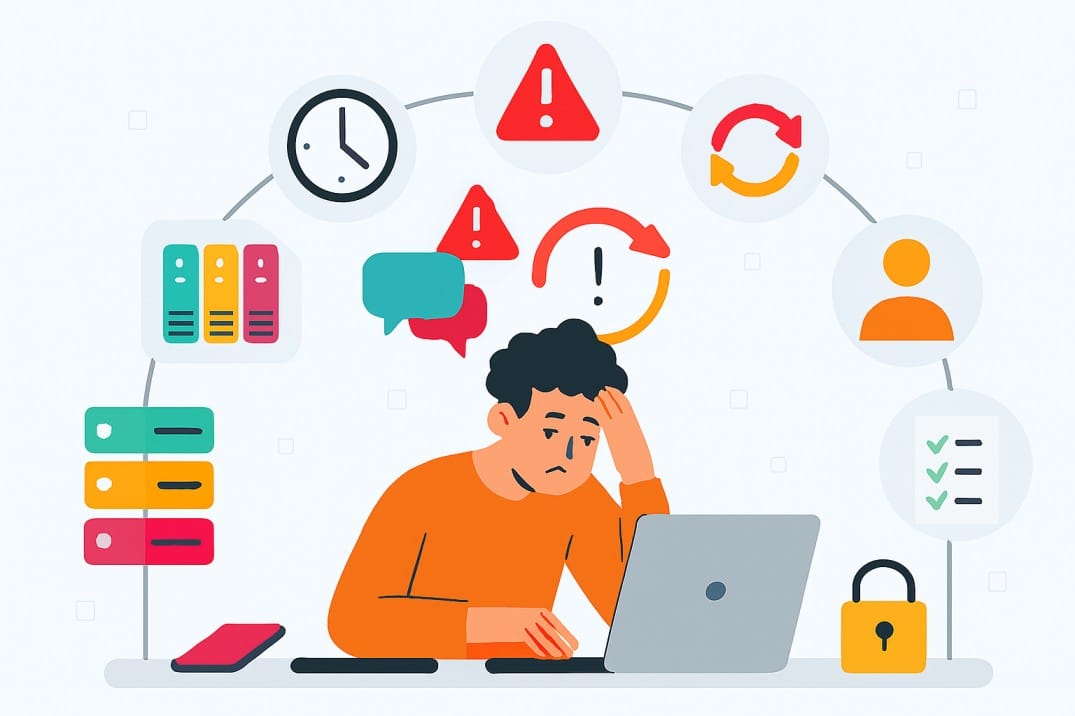
why Tool Fragmentation Is Killing Your Team’s Productivity
Too Much Context Switching
Each time a team member switches between applications, they lose their focus. The mind must stop, readjust, and restart the task. When this happens repeatedly during the day, it becomes tiring. Projects take longer, and people feel less productive. After many switches, the brain gets exhausted even when not much work is completed.
This improves when teams use a centralized CRM and data system where every client interaction, such as chats, support tickets, and projects, stays connected to a single record. All information is in one place, so consultants can quickly understand the full client history and make clear decisions without jumping between multiple apps, which reduces context switching and helps everyone stay in the flow.
Increased Stress
When work is spread across many tools, people constantly worry about missing something important. They feel the need to double-check tasks and messages. This builds pressure and creates stress throughout the day. Over time, this affects energy levels and reduces both productivity and morale.
Using a set of well-integrated collaboration tools inside a single system helps reduce this stress. When tasks and project updates are all connected in one place, team members can see exactly what needs attention without searching through multiple apps. Real-time notifications and shared comments make it easy to manage work, so people feel more confident and spend less time worrying about missed information.
Rising Costs
Using many different tools often means paying for many different subscriptions. Each tool also comes with its own upgrades, training needs, and maintenance work. On top of that, teams lose money through slower work and wasted time because people keep switching between apps. These costs add up fast and can become higher than using one strong platform.
This becomes much more manageable when companies replace multiple platforms with a scalable, all-in-one system that grows with the team. By bringing everything into one place, businesses reduce subscription costs and make setup, onboarding, and ongoing maintenance much simpler.
Harder Onboarding for New Employees
New employees take longer to settle in when they must learn many tools just to complete simple assignments. For example, a new consultant might spend the first week figuring out where client files and project updates are stored instead of starting work on deliverables, slowing progress and making onboarding stressful.
A unified workspace removes this confusion. When projects and communication are kept in one place, new staff can understand the workflow much faster. Shared dashboards, real-time updates, and automated processes also guide them through their work, helping them focus on execution instead of managing tools.
Low Accountability
When work and updates are stored in different apps, it becomes unclear who is responsible for what. If a client request is missed, it’s hard to know which team member was responsible when tasks are scattered across multiple apps. Deadlines are missed because the information is not visible in one place. Using a single system with shared workflows, permissions, and templates makes responsibilities clear for everyone. Teams can follow the same structured process while still customizing their views and roles as needed, which improves transparency and keeps the entire team connected.
Security Risks
Each separate tool requires its own login, permissions, and security settings. Managing all of these becomes complicated and increases the chances of mistakes. If even one tool has weak protection, sensitive information may be exposed. Files might be shared in the wrong place, or access might be granted to the wrong person. A single well-secured platform makes it easier to protect company data and maintain strong security controls. It reduces the risk of errors and gives the team confidence that company and client information is protected.
Conclusion
Using many disconnected tools may seem harmless, but it slows down the entire team and creates confusion across daily work. A unified workspace like Aktok brings everything together and helps teams work with clarity and focus. It improves workflow efficiency and reduces stress. It also lowers costs and strengthens decision-making. With the right collaboration tools and project management integration, small and medium professional services teams can stay organized and reach higher levels of productivity.