Top Features Every Digital Workspace Platform Should Have
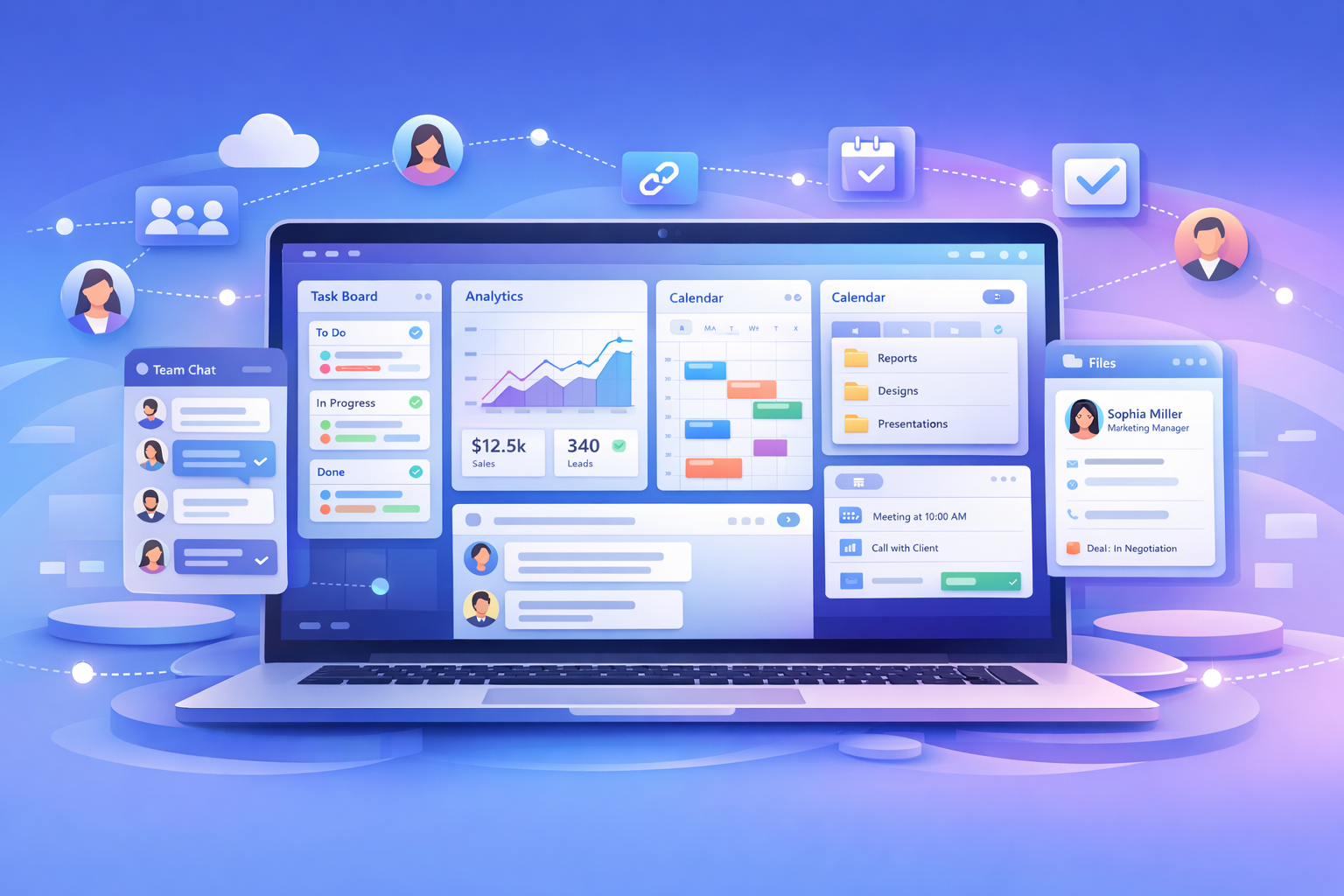
Top Features Every Digital Workspace Platform Should Have
Introduction
Modern teams no longer work inside a single office or rely on one tool to get things done. Today’s businesses manage projects, communication, files, customers, meetings, and reporting across multiple platforms. While each tool may solve one problem, using too many disconnected apps often creates confusion, slows productivity, and increases operational costs.
This is why digital workspace platforms have become essential for modern organizations. Instead of juggling separate tools for project management, messaging, CRM, file storage, and reporting, a digital workspace platform brings everything together into one unified environment.
However, not all workspace platforms deliver the same value. Choosing the right solution depends largely on the features it offers. The best platforms are designed to simplify work, improve collaboration, and give teams complete visibility over operations.
In this guide, we explore the top features every digital workspace platform should have and why they matter for growing teams.
1. Task and Project Management
At the core of any digital workspace platform is strong task and project management functionality.
Teams need a clear system to create tasks, assign responsibilities, set deadlines, and monitor progress. Without structured task management, work quickly becomes disorganized and accountability disappears.
A good workspace platform should allow users to:
- Create tasks and subtasks
- Assign owners and collaborators
- Set deadlines and priorities
- Track progress through boards, lists, or timelines
- Monitor project status in real time
When task management is integrated directly into the workspace, everyone understands what needs to be done and who is responsible. This reduces delays, prevents work from falling through the cracks, and keeps projects moving forward efficiently.
2. Integrated Team Communication
Communication is one of the biggest challenges in modern workplaces. Teams often rely on separate messaging apps, emails, and calls, which leads to scattered conversations and lost information.
A digital workspace platform should include built-in communication tools such as:
- Task-based comments
- Team chat channels
- Direct messaging
- Feedback threads linked to projects
Contextual communication is key. Instead of searching through email chains or chat histories, team members can see discussions directly connected to tasks and files.
This approach eliminates misunderstandings, reduces unnecessary meetings, and keeps everyone aligned without constant follow-ups.
3. Centralized File Storage and Document Management
Files are the backbone of daily operations, yet many organizations struggle with version confusion and scattered storage systems.
An effective digital workspace platform must provide centralized file storage where teams can:
- Upload and organize documents
- Share files securely
- Maintain version control
- Access files linked to specific projects or tasks
When files live inside the workspace instead of separate storage apps, teams spend less time searching and more time executing work.
Centralized storage also prevents duplicate work and ensures employees always access the latest approved version of a document.
4. Built-In CRM Functionality
Customer relationships are tightly connected to daily operations. Sales teams, marketing teams, and support teams all rely on accurate customer data to perform effectively.
A modern digital workspace platform should include built-in CRM capabilities, allowing teams to:
- Manage leads and contacts
- Track sales pipelines
- Monitor customer interactions
- Connect projects with client accounts
When CRM data exists inside the same workspace as projects and communication, teams gain a complete view of customer relationships. This eliminates the need for separate CRM software and improves collaboration between departments.
5. Shared Calendars and Smart Scheduling
Managing schedules across teams can become complicated when meetings, deadlines, and campaigns exist in different tools.
A digital workspace platform should include shared calendars that display:
- Project timelines
- Team availability
- Meetings and appointments
- Campaign schedules
- Important deadlines
Smart scheduling features reduce back-and-forth communication when booking meetings and help teams plan work more efficiently.
Visibility into schedules ensures teams avoid conflicts, stay organized, and maintain consistent workflows.
6. AI-Powered Automation and Assistance
Artificial intelligence is rapidly transforming how teams work. The best digital workspace platforms now integrate AI tools that automate repetitive tasks and assist decision-making.
AI-powered features may include:
- Automated task creation
- Smart workflow suggestions
- AI-generated messages or summaries
- Customer chat automation
- Sales outreach assistance
AI reduces manual workload and allows teams to focus on strategic activities instead of administrative tasks.
As businesses scale, automation becomes essential for maintaining productivity without increasing operational complexity.
7. Real-Time Dashboards and Reporting
Managers need visibility to make informed decisions. Traditional reporting often requires manual data collection or external analytics tools, which delays insights.
A high-quality digital workspace platform should provide real-time dashboards that display:
- Project progress
- Team performance
- Workload distribution
- Sales metrics
- Operational KPIs
With live reporting, leaders can identify bottlenecks early, allocate resources effectively, and ensure projects stay on schedule.
Instant visibility transforms management from reactive to proactive.
8. Role-Based Access Control and Security
As teams grow, not everyone should have access to every file or project. Security and data privacy become increasingly important.
A digital workspace platform must include role-based access controls that allow administrators to:
- Define user permissions
- Restrict access to sensitive data
- Control editing or viewing rights
- Manage client or external collaborator access
Strong permission management protects confidential information while still enabling collaboration.
Security features build trust, especially for agencies, consultancies, and organizations handling client data.
9. Workflow Automation
Beyond AI assistance, workflow automation ensures that processes run consistently without manual intervention.
Examples of workflow automation include:
- Automatically assigning tasks when projects start
- Sending approval requests
- Triggering notifications based on status changes
- Moving tasks between stages automatically
Automation standardizes processes, reduces human error, and saves valuable time.
Teams can build repeatable workflows that scale as the organization grows.
10. Seamless Integrations
Even the most powerful workspace platform may need to connect with existing tools.
The best platforms support integrations with popular services such as:
- Email providers
- Cloud storage systems
- Marketing tools
- Accounting software
- Automation platforms
Integrations allow companies to transition gradually instead of replacing every tool at once.
A flexible ecosystem ensures the workspace adapts to business needs rather than forcing teams to change their workflows entirely.
11. Mobile Accessibility and Remote Work Support
Modern teams operate from multiple locations. Remote and hybrid work environments require access to systems from anywhere.
A digital workspace platform should offer:
- Mobile applications
- Cloud-based access
- Real-time syncing across devices
- Notifications for updates and deadlines
Mobile accessibility keeps teams connected whether they are in the office, working remotely, or traveling.
This flexibility has become a core requirement rather than an optional feature.
12. User-Friendly Interface and Easy Adoption
The most feature-rich platform is useless if teams find it difficult to use.
Ease of adoption is one of the most important success factors for any workspace platform. A well-designed system should provide:
- Clean navigation
- Intuitive workflows
- Minimal training requirements
- Fast onboarding for new employees
When employees enjoy using the platform, adoption increases naturally. Teams collaborate more effectively and productivity improves without resistance.
13. Scalability for Growing Businesses
Businesses evolve over time. The platform that works for a small team today should still support the organization as it expands.
A scalable digital workspace platform should handle:
- Increasing team sizes
- Multiple departments
- Additional projects and clients
- Advanced automation needs
Choosing a scalable solution prevents costly migrations in the future and supports long-term growth.
14. Cost Efficiency and Tool Consolidation
One of the biggest advantages of a digital workspace platform is reducing software fragmentation.
Instead of paying for separate tools for project management, communication, CRM, storage, and analytics, organizations can consolidate costs into one system.
This reduces:
- Subscription expenses
- Integration maintenance
- IT complexity
- Training time
Cost efficiency is not only about price but also about operational simplicity.
15. Collaboration with External Stakeholders
Many teams collaborate with clients, partners, or freelancers. A strong workspace platform should allow external collaboration without compromising security.
Features may include:
- Client portals
- Guest access permissions
- Shared project dashboards
- Controlled file sharing
External collaboration improves transparency and strengthens professional relationships while keeping workflows organized.
Why These Features Matter
Each feature contributes to a larger goal: creating a single source of truth for work.
When tasks, communication, files, customers, and reporting exist within one platform, teams experience:
- Less confusion
- Faster decision-making
- Improved accountability
- Better collaboration
- Higher productivity
Digital workspace platforms are not just productivity tools. They redefine how organizations operate by removing friction between people, processes, and information.
Conclusion
A digital workspace platform should do more than combine tools. It should simplify work, enhance collaboration, and provide complete operational visibility.
The most effective platforms include powerful task management, integrated communication, centralized file storage, CRM functionality, AI automation, real-time reporting, strong security, and seamless scalability.
As businesses continue to embrace remote work, automation, and digital transformation, investing in a feature-rich digital workspace platform becomes essential rather than optional.
Choosing a platform with the right features ensures your team can work smarter, stay aligned, and scale efficiently without being held back by disconnected systems.
The future of work belongs to organizations that operate inside unified digital environments. Selecting a workspace platform built with these core features is the first step toward that future.
