
How to Train a Customer Support AI Chatbot
Introduction
Most support chatbots fail for one reason: they were launched, not trained. They guess, repeat themselves, and send customers in circles. A well-trained AI chatbot does the opposite. It answers from your real policies, sounds like your brand, and knows when to bring in a human. This guide shows you how to train a customer support AI chatbot in eight practical steps, even if you have no technical team, using AI-powered business automation to save hours every week.
Why Training Matters More Than the Tool
The chatbot you choose matters less than what you feed it. Two companies can use the same platform and get completely different results. One gets accurate answers and fewer tickets. The other gets wrong refund details and angry customers. Training closes that gap, and it is not a one-time job.
Step 1: Define What the Chatbot Should Handle
Start with your ticket history. Pull the last three months of tickets and group them by topic. You will usually find that a handful of questions, like order status, password resets, pricing, and refund rules, make up most of the volume. Make those your launch scope. Trying to automate everything on day one is the fastest way to get bad answers.
Step 2: Gather Your Source Knowledge
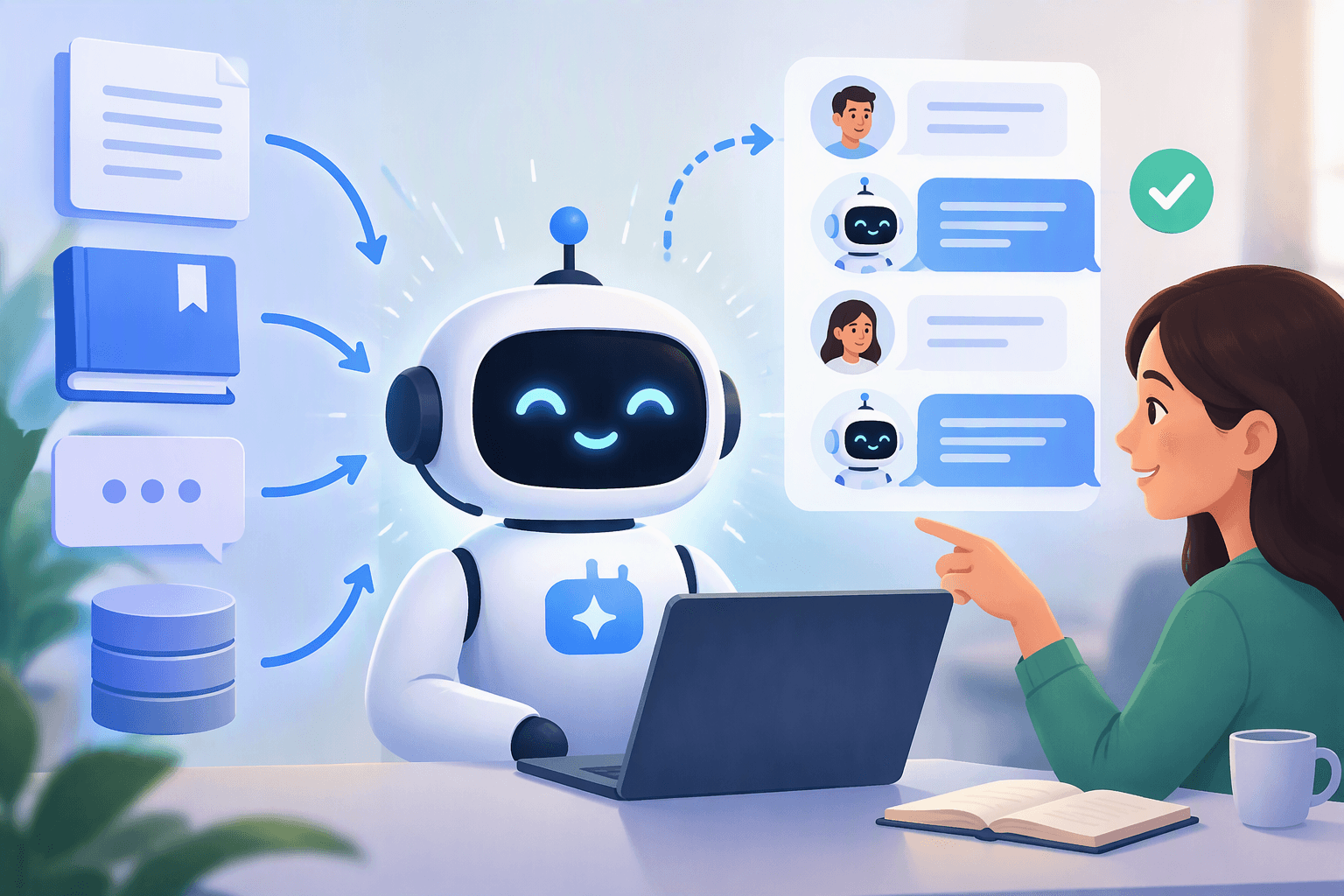
Your chatbot is only as good as its sources. Collect help center articles, FAQs, product documentation, policy pages, and past support replies that worked well. Delete outdated pricing, old policies, and duplicate pages. If two documents contradict each other, the bot will contradict itself too.
Step 3: Clean and Structure the Content
Break long documents into short, focused answers. Use one topic per section, a clear heading, and a direct first sentence. Write the way a customer asks, not the way your internal team talks. For example, use "How do I get a refund?" instead of "Reimbursement policy overview." When the bot has real customer context, it can personalize answers instead of sending the same reply to everyone.
Step 4: Set Tone, Rules, and Boundaries
Give the chatbot a clear voice: friendly, short, and confident. Then set hard limits. Tell it what it must never do, such as promise refunds outside policy, share private account data, or guess when it doesn't know. A bot that says "I'm not sure, let me connect you with a teammate" builds more trust than one that bluffs.
Step 5: Build Smart Human Handoff
Even the best bot will hit questions it can't solve. Set up a human handoff for angry customers, billing disputes, repeated failed answers, and high-value accounts. Pass the full conversation to the agent so the customer never has to repeat themselves. A good handoff is part of good training.
Step 6: Test With Real Customer Questions
Before launch, test with 50 to 100 real questions pulled from your tickets, including messy ones with typos and vague wording. Check three things:
- Is the answer correct?
- Is it complete?
- Does it sound like your brand?
Fix every miss by improving the source content, not by patching around it.
Step 7: Launch Small and Watch Closely
Release the bot to a small share of traffic or a single channel first. Review conversations daily in week one. Track resolution rate, handoff rate, customer satisfaction, and the questions the bot couldn't answer. Those unanswered questions are your to-do list.
Step 8: Keep Training Every Week
Products change, policies change, and customers find new ways to ask things. Set a weekly 30-minute review: read failed conversations, add missing answers, retire old content, and update anything that changed. Teams that do this see accuracy climb steadily, while teams that don't watch it decay.
Common Mistakes to Avoid
- Training on messy, outdated documents
- Launching with too wide a scope
- Hiding the human option
- Ignoring thumbs-down feedback
- Measuring only deflection instead of whether customers were actually helped
Fixing these five issues alone will improve most chatbots.
How Aktok Makes Training Easier
Aktok lets you train an AI chatbot on your own website, documents, and knowledge base without writing code. It connects to your CRM, so the bot can use real customer context and hand off to your team with the full history. You can review conversations, spot gaps, and update answers from one dashboard.
Conclusion
Training a customer support AI chatbot is simple when you treat it like onboarding a new team member: give it good materials, clear rules, real practice, and regular feedback. Start with your top ten questions, test hard, launch small, and improve weekly. Ready to build yours? Train your first AI chatbot free with Aktok, or book a demo to see it in action.
Frequently Asked Questions
How long does it take to train a customer support AI chatbot?
A basic bot covering your top questions can be ready in a day or two. Reaching high accuracy usually takes two to four weeks of testing and weekly refinements.
What data do I need to train a support chatbot?
Help center articles, FAQs, product docs, policy pages, and past tickets with good replies. Quality matters more than quantity.
Do I need coding skills to train an AI chatbot?
No. No-code platforms like Aktok let you upload content and set rules through a simple dashboard.
How do I stop my chatbot from giving wrong answers?
Use clean, up-to-date sources, set clear boundaries, and tell the bot to hand off when it is unsure. Review failed conversations weekly.
When should the chatbot transfer to a human agent?
For billing disputes, frustrated customers, repeated failed answers, sensitive requests, and high-value accounts.
How do I measure if my chatbot training is working?
Track resolution rate, handoff rate, customer satisfaction, and the number of unanswered questions over time.

Helping thousands of small businesses succeed every day
Get 24/7 access to Aktok's AI Chatbot that automates Customer support, captures leads, and manages conversations
Learn More