
10 AI Chatbot Mistakes That Can Hurt Your Website Conversions
Introduction
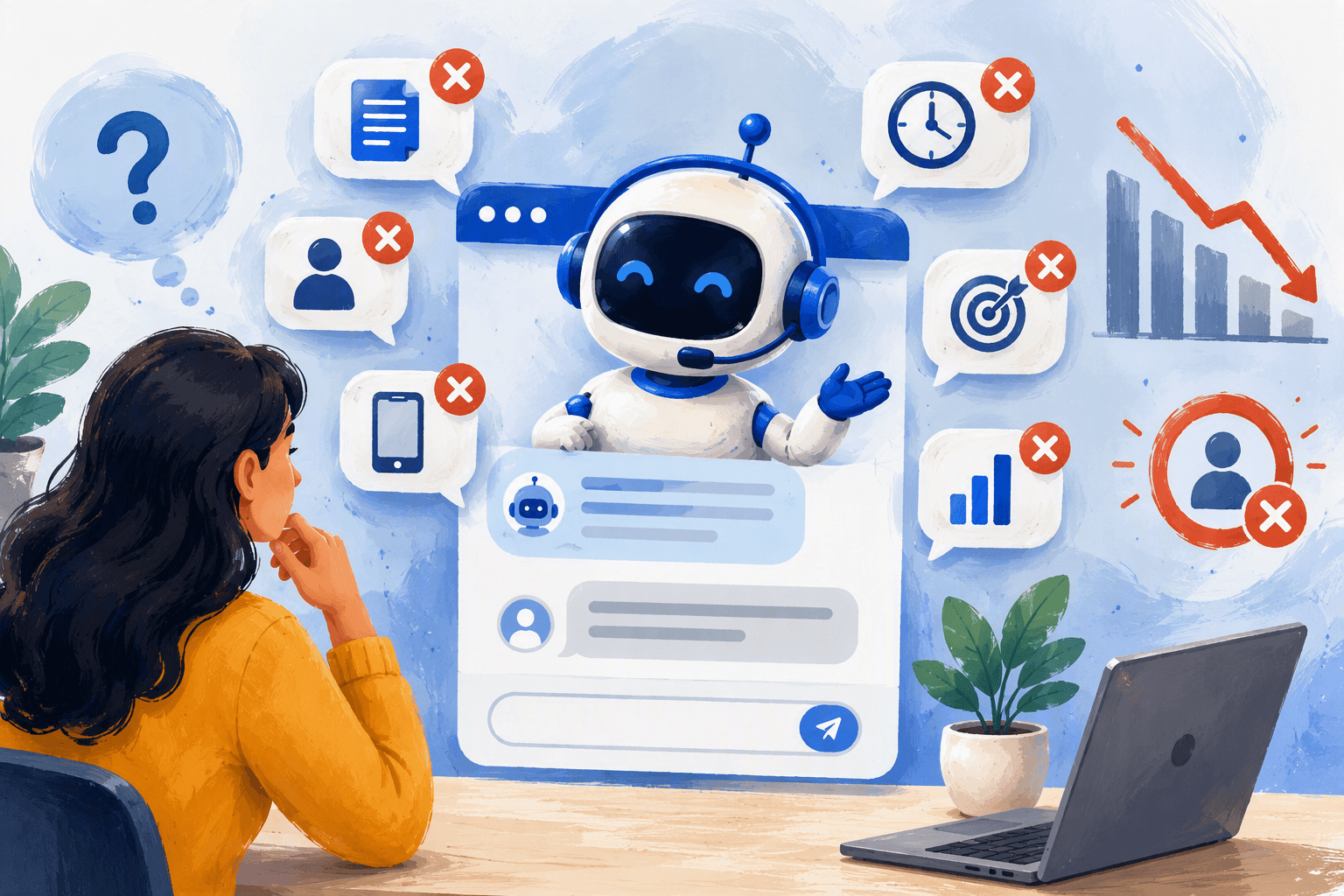
AI chatbots are supposed to make your website work harder, answering questions at 2 a.m., qualifying leads before a human ever gets involved, and nudging hesitant visitors toward a decision. But an AI chatbot mistake doesn't always look like a broken feature. Most of the time, it looks like a bot that technically works, just badly popping up too soon, talking like a script, or leading visitors into a dead end. Those small missteps are enough to push someone back to the search results instead of your checkout page.
Below are 10 of the most common chatbot mistakes we see on business websites, why each one costs conversions, and what to do instead.
1. Launching the Chat Widget Too Aggressively
A chat bubble that expands the instant someone lands on your page interrupts before they've even read your headline. It reads as pushy, not helpful. Delay the widget by 10–15 seconds, or trigger it on scroll depth or exit intent instead.
2. No Clear Purpose for the Bot
A chatbot trying to handle support, sales, onboarding, and FAQs all at once usually does all four poorly. Pick one or two core jobs — lead qualification, appointment booking, order status — and design the conversation flow around that job specifically.
3. Robotic, Scripted Tone
Stiff, corporate phrasing ("Please select an option below") makes a bot feel like a form with extra steps. Visitors respond better to conversational language that mirrors how they'd actually ask a question. Aktok's AI Chatbot uses natural language processing so replies sound like a person, not a menu tree.
4. Dead-End Conversations
When a bot hits a question it can't answer and just says "I don't understand that," the visitor often leaves for good. Every flow needs a fallback: handoff to a human, a contact form, or a scheduling link, so no conversation just stops.
5. Ignoring the Mobile Experience
A chat window that covers the "Add to Cart" button or doesn't resize properly on a phone screen isn't a minor bug; it's a direct hit to conversions, since most website traffic today is mobile. Test the widget on multiple screen sizes before it ever goes live.
6. No Human Handoff Option
Some conversations — a large enterprise deal, a confused first-time buyer, a complaint — need a real person, fast. Pairing your chatbot with Live Chat means high-intent visitors get routed to an agent the moment the bot senses it's out of its depth, instead of being left stuck.
7. Collecting Data Without Using It
Plenty of bots gather names, emails, and intent, then that data just sits there. If it isn't flowing into your CRM automatically, every lead needs manual follow-up, and manual follow-up means delays, and delays lose deals.
8. Overloading Visitors With Questions
Asking for five fields before offering any value feels like a form, not a conversation. Ask one or two questions at a time, let the bot respond to what's actually said, and save deeper qualification for later in the chat.
9. No Clear Next Step
A chatbot that answers questions well but never moves someone toward action is a missed conversion, not a win. Adding Appointment Scheduler lets a qualified visitor book a call right inside the chat window, shortening the path from "just looking" to "on the calendar."
10. Never Reviewing Chat Transcripts
Most businesses set up a chatbot once and never look at it again. Reviewing transcripts monthly shows exactly where visitors get confused, where they drop off, and what questions the bot can't answer yet, all of which should feed back into the script.
Conclusion
A good chatbot shortens the distance between a visitor's question and your answer. A bad one adds friction disguised as automation. Fixing even three or four of these — tone, fallback paths, mobile experience, and CRM integration — is usually enough to see a real shift in on-site conversion rate.
If you're ready to fix these instead of just reading about them, see how Aktok's AI Chatbot connects with your CRM and Sales Tools to turn conversations into customers — automatically.
FAQ
Q1: Why is my AI chatbot lowering conversions instead of increasing them?
Usually it's not the AI itself; it's the setup. Aggressive pop-up timing, a scripted tone, dead-end answers, or a bot with no clear job all create friction that pushes visitors away rather than toward a purchase.
Q2: How do I know if my chatbot is hurting my website conversion rate?
Check the transcripts. If a large share of conversations end abruptly, loop on the same unanswered question, or never lead to a form fill, booking, or purchase, the bot is likely doing more harm than good.
Q3: Should a chatbot pop up immediately when someone visits my site?
No. Immediate pop-ups feel intrusive. A short delay, scroll-based trigger, or exit-intent trigger performs better because it engages visitors after they've shown some interest, not before.
Q4: Can an AI chatbot replace live chat entirely?
Not for every scenario. Bots handle repetitive, well-defined questions well, but complex or high-value conversations often convert better with a human handoff option available.
Q5: What's the biggest mistake businesses make with AI chatbots?
Treating the chatbot as "set and forget." A chatbot needs regular transcript reviews and script updates to keep improving — without that, small early mistakes stay live indefinitely.
Q6: Does chatbot data need to connect to a CRM?
Yes, ideally. Without a CRM connection, leads the bot captures require manual entry and follow-up, which slows response time and increases the chance a lead goes cold.

Helping thousands of small businesses succeed every day
Get 24/7 access to Aktok's AI Chatbot that automates Customer support, captures leads, and manages conversations
Learn More